How the Shutterstock Library Works for Photographers
Here is how Shutterstock works for photographers. You upload your photos to the Shutterstock library, and Shutterstock reviews each one before it goes on sale. Buyers then license your images, mostly through monthly subscriptions or image packs. You earn a royalty of 15% to 40% on each download, depending on how many licences you sell in the year. Joining is free, and you must be 18 or over. You can also sell the same photos on other stock sites.
Most photographers know Shutterstock as a place to buy images. This guide shows you the other side, so you know how your photos get found, licensed and paid for.
|
This article covers everything you need to understand how Shutterstock works: |
|---|
|
Who buys from the Shutterstock library |
|
The licence types buyers choose |
|
How earnings levels and royalties work |
|
When and how Shutterstock pays UK contributors |
|
How search and keywords decide who sees your photos |
|
What sells, and whether Shutterstock is worth your time. |
Want to turn your photography into income – without starting from scratch?
Want to build a photography business that works around you, selling prints on Etsy and shooting for stock libraries?
🤍 Practical tips for selling your photography online.
💙 Straight-talking advice from someone who’s been there.
Sign up below and start making progress today. 👇🏻
How Shutterstock Works at a Glance
Here are the key facts in one place. Each one has its own section below.
|
Who buys |
Marketers, designers, publishers, agencies and small businesses |
|
How buyers pay |
Mostly subscriptions, plus image packs and single licences |
|
Your royalty |
15% to 40% of each sale, based on your earnings level |
|
Earnings levels |
Six levels, reset to Level 1 every 1 January |
|
Payment |
Monthly in USD, via PayPal, Payoneer or Skrill |
|
Tax forms |
Needed before you get paid (usually the W-8BEN in the UK) |
|
Keywords |
7 to 50 per image |
|
Exclusive |
No, you can sell the same images elsewhere |
Who Buys From the Shutterstock Library?
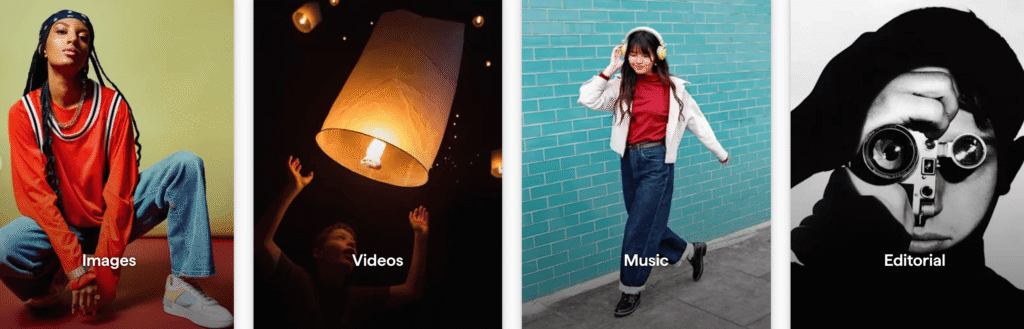
Shutterstock holds hundreds of millions of images, videos and music tracks. Buyers come to it with a specific job to do. A marketer needs a header for a blog post. Designers need backgrounds for flyers. And a small business needs a photo for its social media. As a result, that size works both ways for you. There is huge demand because buyers search every day. But there is also a lot of competition. So a photo needs a clear use and good keywords before buyers find it. That’s why a buyer’s needs matter more than how artistic a photo is.
How Shutterstock Licences Work
Licences are a big part of how Shutterstock works. When a buyer downloads your photo, they buy a licence to use it. In fact, you always keep the copyright. The licence decides where and how the buyer can use your image.
Standard and Enhanced Licences
Most buyers choose a Standard licence. It covers websites, social media, marketing and printed items up to 500,000 copies. On the other hand, an Enhanced licence costs more. It removes the print limit and allows uses such as merchandise and packaging. You can read the full terms on Shutterstock’s licence page.
Commercial and Editorial Use
Commercial use covers adverts, packaging and promotions. For that, any recognisable person in your photo needs a signed model release. Some private property needs a property release too.
Without a release, Shutterstock can only sell your photo for editorial use. Editorial images appear in news, blogs and educational content, but not in adverts. So a release gives your photo many more buyers, and it’s worth asking for one at every shoot with people.

How Shutterstock Royalties Work
Payment is the part of how Shutterstock works that most photographers want to understand. Your royalty depends on two things: your earnings level and the type of licence the buyer chose.
How Shutterstock Earnings Levels Work
Shutterstock has six earnings levels. First, everyone starts each year on Level 1, which pays 15%. As you sell more licences in the calendar year, you move up. Level 6 pays 40% and starts after 25,000 licences in the year.
- Level 1: up to 100 image licences in the year, at 15%
- Level 2: 101 to 250 image licences in the year
- Levels 3 to 5: higher licence counts and higher rates
- Level 6: over 25,000 licences in the year, at 40%
Every contributor goes back to Level 1 on 1 January. Shutterstock also counts images and video separately, so video sales don’t move your image level up. You can also see your current level in your contributor account.
Subscription and On-Demand Downloads
Most Shutterstock buyers have a subscription. They pay a monthly fee and download a set number of images, so each download earns you a small amount. In addition, other buyers pay for image packs or single images. These on-demand sales usually pay you more per download. So Shutterstock income comes from volume. A single download may only earn you a small sum. But a large portfolio of useful images can bring in regular downloads every month.
How Shutterstock Payouts Work in the UK
Shutterstock pays monthly in US dollars, via PayPal, Payoneer or Skrill. You choose your own minimum payout in your account settings. Before your first payment, you need to complete a US tax form. For most UK photographers, that is the W-8BEN.
Your bank or payment service then converts the money into pounds, so check their exchange rate and fees. Also keep a record of every payment, because you need it for your Self Assessment.
How Shutterstock Works When Buyers Search
Search is the part of how Shutterstock works that you control most. First, buyers find images by typing words into the search bar. So Shutterstock matches those words to your description and keywords. If your keywords are vague, buyers who need your photo won’t see it.
Write a Clear Description
Your description works like a title. Shutterstock asks for it to read like a sentence, not a list of words. So answer who, what, where, and when in one line.
For example: “Sunlit woodland path through autumn trees in the Chiltern Hills, England”.
Choose 7 to 50 Accurate Keywords
Shutterstock asks for between 7 and 50 keywords per image. Start with what is in the photo. Then add the setting, colours, mood and season (both UK and US names, e.g. autumn and fall). Finally, add the ideas the photo could represent.
Here is a set for that woodland path:
Keywords: woodland path, forest, autumn, fall, trees, footpath, golden light, sunlight, fall foliage, countryside, England, nature walk, peaceful, calm, outdoors, copy space, travel, walking.
Buyers also use practical phrases such as “copy space”, “isolated on white” and “aerial view”. If your photo fits one of those, add it. It takes you straight to buyers who need that type of image.
Keyword Mistakes to Avoid
- Words that aren’t in the photo, which break Shutterstock’s rules
- The same word repeated in different forms
- Brand names and trademarks, unless the image is editorial
- Camera details, such as your lens or settings
-
How to Build a Stock Photography Portfolio: 6 Steps
How to Build a Stock Photography Portfolio: 6 Steps To build a stock photography portfolio, you choose a focused niche, shoot with buyers in mind and keyword every image carefully. Then you pick two or three stock libraries, upload on a steady weekly routine, and track what sells. Those six steps matter more than the…
-
Alamy vs Shutterstock: Which Should You Choose in 2026?
Alamy vs Shutterstock: Which Stock Library Should You Choose? Alamy vs Shutterstock comes down to what you shoot. Shutterstock sells huge numbers of images through subscriptions, so it suits clean commercial photos that sell often at a low price per download. Alamy sells fewer licences but at a higher price, and it suits editorial, travel,…

What Sells on Shutterstock?
Buyers on Shutterstock aren’t looking for art. They’re solving a problem, such as filling a website banner or a slide. So knowing how Shutterstock works for buyers helps you choose what to shoot. These types of images tend to sell well:
- Backgrounds and textures that designers can add text to
- Business and workplace scenes
- Everyday lifestyle images of real people
- Technology concepts, such as phones and laptops in use
- Food, health and wellbeing
- Seasonal images, such as Christmas, spring or back to school
Upload seasonal images well ahead of time. Buyers plan their campaigns early, so Christmas images uploaded in December arrive too late for most of them.
Don’t overlook the everyday images. My very first sale on Shutterstock was an image of a crop field I snapped on my phone whilst walking my dog.
How to Start on Shutterstock
To join, you create a free contributor account with your legal name, confirm your email and add your tax details. Then you upload your photos, add a description and keywords to each one, and submit them for review. After that, Shutterstock checks every image for focus, noise, exposure and releases before it goes on sale.
My guide to the Shutterstock contributor requirements covers each step, plus the photo standards you need to meet.
Is Shutterstock Worth It for UK Photographers?
Once you know how Shutterstock works, the next question is whether it suits your photos. Shutterstock suits photographers who can build a large portfolio of clean, useful images. Each download earns a small amount, so your income grows with the size of your portfolio. If you shoot editorial, heritage or named UK places, Alamy may suit those images better. The good news is that you don’t have to choose. Shutterstock is non-exclusive, so you can upload the same photos to Alamy and Adobe Stock too. My comparison of Alamy vs Shutterstock helps you decide which images belong where. And my guide on how to build a stock photography portfolio shows you how to grow it week by week.

Why Etsy Prints Work Alongside Shutterstock
On Shutterstock, the library sets the price and pays you a share. On Etsy, you set the price for your prints and keep what’s left after your costs. So the two work well together.
Your countryside, flower and wildlife images can earn as stock and sell as wall art. Do you want to try selling prints too? My free Etsy resources for photographers are the best place to start.
Frequently Asked Questions
You upload your photos, and Shutterstock reviews each one. Buyers then license your images, and you earn 15% to 40% of each sale, paid monthly. That is how Shutterstock works for every contributor, whether you upload ten images or ten thousand.
Yes. Shutterstock doesn’t charge you to join or upload. It takes its share when one of your images sells, and you earn a royalty of 15% to 40%.
It depends on your earnings level and the licence the buyer chose. Subscription downloads pay the least. Image packs, single images and Enhanced licences pay more per download.
Every contributor goes back to Level 1 on 1 January. Your licence count then starts again from zero for the new year.
You set your own minimum payout in your account settings. Shutterstock pays monthly in US dollars via PayPal, Payoneer or Skrill, once it approves your tax form.
You can add between 7 and 50 keywords to each image. Every keyword should describe what is in the photo or the idea it represents.
Yes. Shutterstock is non-exclusive, so you can upload the same photos to Alamy, Adobe Stock and other libraries. You can also sell them as prints on Etsy.
Ready to Start on Shutterstock?
Choose ten of your sharpest images this week. Write a clear description and 7 to 50 keywords for each one, then upload them to Shutterstock. That first batch shows you how the review works, and your portfolio starts growing from there.
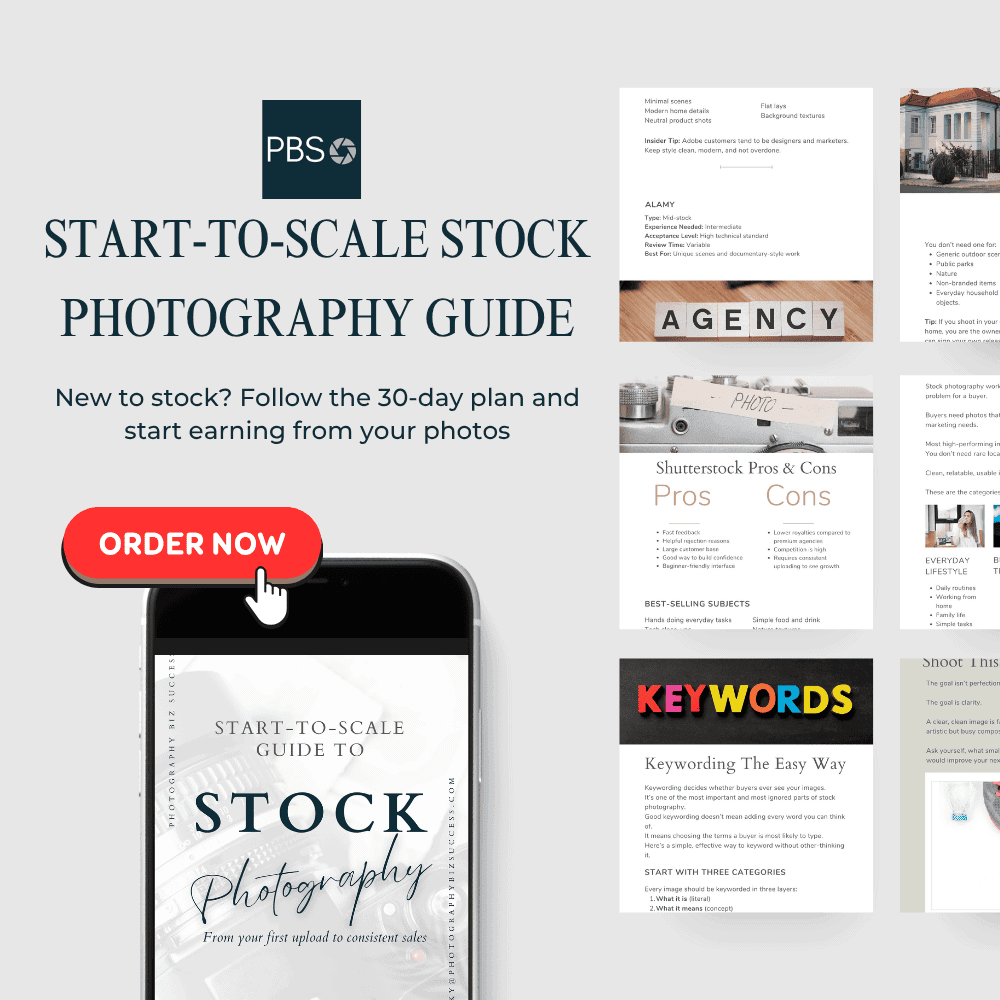
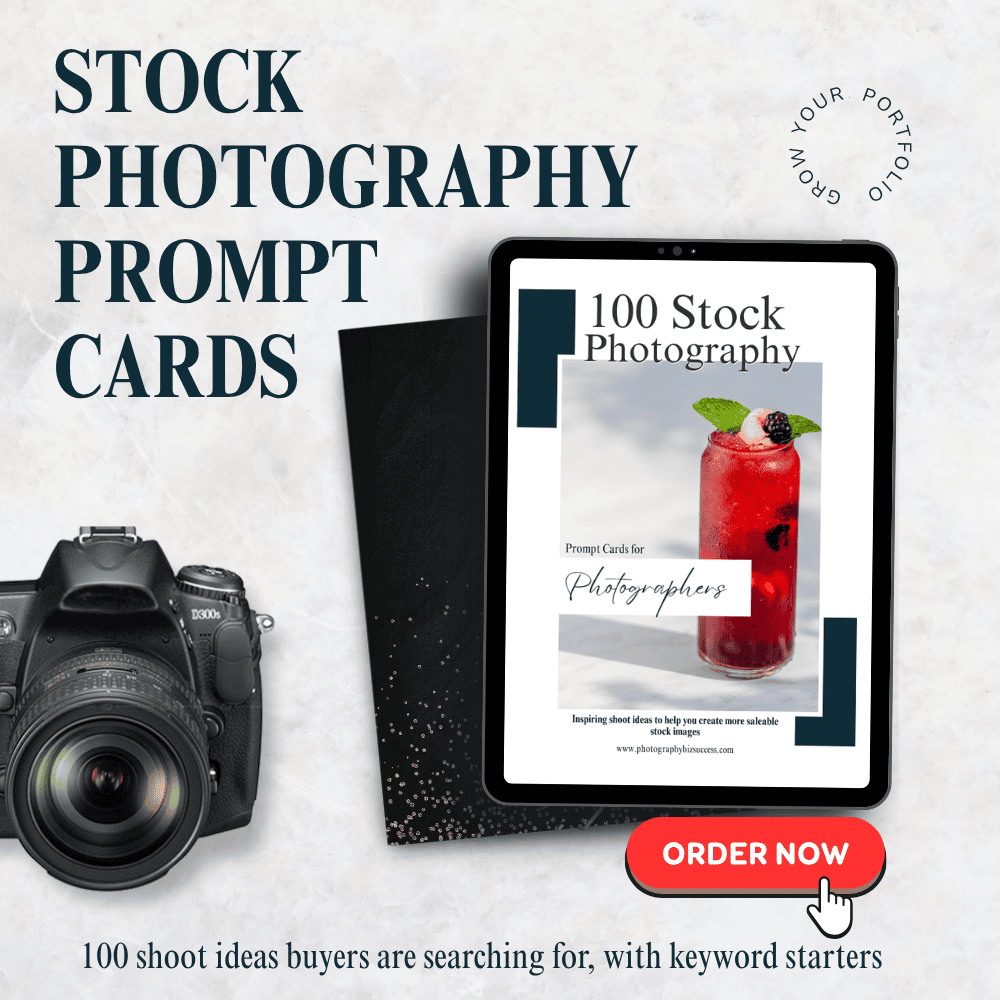
Do you want help with what to shoot next? My free stock photography resources are a good first step. When you’re ready for a full plan, the Start-to-Scale Stock Photography Guide takes you from your first upload to steady sales. And if you’re stuck for ideas, my Stock Photography Prompt Cards give you a ready-made shot list.
Nicky x
Related Blogs

Nicky is a UK-based photographer and business mentor with over 25 years behind the lens. Known for her straightforward approach to helping photographers turn their passion into profit, she is the founder of Photography Biz Success, with a strong focus on selling photography art and prints on Etsy and shooting for stock libraries.
Nicky’s work helps photographers build multiple income streams from their images, so their work stops sitting on a hard drive and starts generating income.